
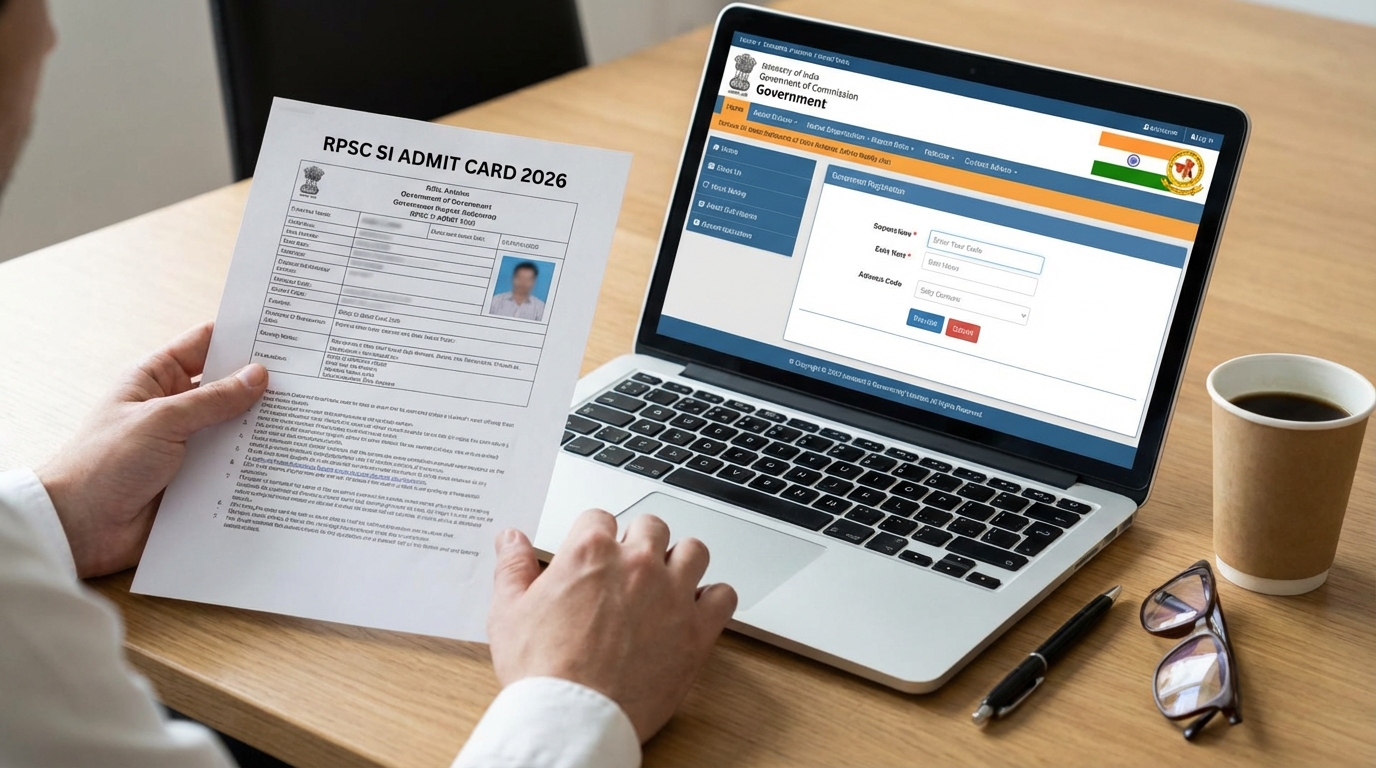
Big Update! RPSC SI Admit Card 2026 Information is Here!
Hello friends! Are you one of the many students who applied for the Rajasthan Sub Inspector (SI) job? If yes, then we have some very exciting news for you. The Rajasthan Public Service Commission (RPSC) has released important information about your exam. You can now check your exam city. The date for downloading the **RPSC SI Admit Card 2026** is also announced.
This is a very important time for your preparation. Knowing your exam city early helps you plan your travel. And your admit card is the most important document for the exam day. In this article, we will tell you everything in very simple language. We will guide you on how to check your exam city and how to download your admit card. So, read this article carefully till the end.
RPSC Sub Inspector Recruitment: A Quick Look
This recruitment is a big opportunity for young people who want to serve in the Rajasthan Police. The job is for Sub Inspector (SI) and Platoon Commander. Many students work hard for years to get this job. It offers a good salary and respect in society. This exam is the first step to achieving your dream.
| RPSC SI Exam 2026 Details | Information |
|---|---|
| Recruitment Agency | Rajasthan Public Service Commission (RPSC) |
| Post Name | Sub Inspector (SI) / Platoon Commander |
| Total Posts | 1015 |
| Exam Dates | 05 and 06 April 2026 |
| Admit Card Release Date | 02 April 2026 |
| Official Website | Click Here |
RPSC SI Exam City 2026: Where is My Exam Centre?
Good news for all candidates! RPSC has released the exam city information. This means you can now know in which city your exam will be held. This is not the final admit card. This is just an advance notice to help you prepare. You can check your exam city from 29th March 2026. Knowing your city helps you book tickets and make stay arrangements if the city is far from your home. This avoids last-minute rush and stress.
To check your exam city, you need to log in to the SSO Rajasthan portal. Use your SSO ID and password to log in. After logging in, you can find the link to check your examination district. Make sure to check it as soon as possible.
Important Dates You Must Remember
Keeping track of dates is very important in any government exam. If you miss a date, you might miss a big opportunity. We have created a simple table for you. Please write down these dates or take a photo of this table.
| Event | Date |
|---|---|
| Exam City Information Release | 29 March 2026 |
| RPSC SI Admit Card 2026 Download Starts | 02 April 2026 |
| RPSC SI Exam Date (Paper 1 & 2) | 05 and 06 April 2026 |
How to Download RPSC SI Admit Card 2026?
Many students ask, “Admit card kaise download karein?” The process is very simple. The official **RPSC SI Admit Card 2026** will be available for download from 02nd April 2026. You can download it in two ways. Let’s understand both methods step by step.
Method 1: Download from the RPSC Official Website
This is a direct method to get your admit card.
1. **Go to the Website:** First, open the official RPSC website: `https://rpsc.rajasthan.gov.in`.
2. **Find the Link:** On the homepage, look for a section called ‘Important Links’ or ‘Admit Card’.
3. **Click on the Link:** You will see a link that says “Admit Card for Sub Inspector Comb. Comp. Exam 2025”. Click on it.
4. **Enter Details:** A new page will open. Here, you need to enter your Application Number and your Date of Birth. You will also need to enter a captcha code shown in the image.
5. **Download Your Admit Card:** After entering the correct details, click on the ‘Submit’ button. Your **RPSC SI Admit Card 2026** will appear on the screen.
6. **Print and Save:** Download the admit card and save it as a PDF. Take at least two or three color printouts. Keep one copy safe with you.
Method 2: Download Using Your SSO Rajasthan ID
If you have your Rajasthan Single Sign-On (SSO) ID, you can also use this method.
1. **Go to the SSO Portal:** Open the SSO website: `https://sso.rajasthan.gov.in`.
2. **Log In:** Enter your SSO ID, password, and the captcha code to log in to your account.
3. **Find Recruitment Portal:** After logging in, you will see many app icons. Look for an icon named ‘Recruitment Portal’ under Citizen Apps (G2C).
4. **Go to Admit Card Section:** Inside the Recruitment Portal, find and click on the ‘Admit Card’ tab or section.
5. **Download:** You will see a link to download the **RPSC SI Admit Card 2026**. Click on it.
6. **Save and Print:** Your admit card will be displayed. Save the file and print multiple copies for the exam day.
What to Do if You Forget Your Application ID?
Sometimes, students forget their application ID. Do not panic if this happens. You can get it back easily. When you log in to your SSO Rajasthan portal, go to the ‘Recruitment Portal’. There, you can see all the applications you have filled. Find the RPSC SI application and you will find your application ID there.
Details to Check on Your RPSC SI Admit Card 2026
After you download your **RPSC SI Admit Card 2026**, it is very important to check all the details carefully. Your admit card is like your ticket to the exam hall. If there is any mistake, you might face problems. Check these things:
* **Your Name:** Check if your name is spelled correctly.
* **Your Father’s Name:** Check the spelling of your father’s name.
* **Roll Number:** This is your unique number for the exam.
* **Application Number:** Check if it is correct.
* **Date of Birth:** Make sure your birth date is correct.
* **Your Photograph and Signature:** Your photo and signature should be clear.
* **Exam Date and Time:** Note the date and the reporting time for your exam.
* **Exam Centre Name and Address:** Check the full address of your exam centre. Use Google Maps to check its location beforehand.
* **Important Instructions:** Read all the instructions given on the admit card very carefully.
If you find any mistake in your admit card, you must contact the RPSC helpline immediately. The helpline numbers are 0145-2635200, 2635212, and 2635255.
| Selection Stage | Details |
|---|---|
| Written Examination | Two papers: General Hindi and GK & General Science. Total 400 marks. |
| Physical Efficiency Test (PET) | Candidates who pass the written exam will be called for a physical test. |
| Aptitude Test & Interview | This stage is for 50 marks. |
| Final Merit List | The final list is made based on marks in the written exam and interview. |
RPSC SI Exam Pattern: What to Expect in the Exam
The written exam is the first and most important stage. It has two papers. Both papers are for 200 marks each and you will get 2 hours for each paper.
* **Paper-I: General Hindi:** This paper will test your knowledge of the Hindi language, grammar, and vocabulary.
* **Paper-II: General Knowledge & General Science:** This paper will have questions from history, geography, politics, economy of Rajasthan and India, current affairs, and basic science.
To pass, you need to score at least 36% marks in each paper. Also, your total score in both papers should be at least 40%. This means you need to score at least 72 marks in each paper and a total of 160 marks out of 400.
| Post Name | Total Vacancies |
|---|---|
| Sub Inspector (SI) | 1015 |
| Platoon Commander |
Important Documents for the Exam Day
On the day of the exam, you must carry a few important things with you. Without these, you will not be allowed to enter the exam hall.
1. **Printed RPSC SI Admit Card 2026:** Carry a clear, printed copy of your admit card. A digital copy on your phone is not allowed.
2. **Original Photo ID Proof:** You must carry an original government-issued photo ID. This can be your Aadhaar Card, Voter ID Card, PAN Card, Passport, or Driving License. A copy or a photo of the ID on your phone will not be accepted.
3. **Recent Passport-size Photograph:** Carry one or two recent color passport-size photos. It should be the same as the one you uploaded in the application form.
4. **Blue or Black Ballpoint Pen:** Carry your own pen for the exam.
Make sure you reach the exam centre at least one hour before the reporting time mentioned on your **RPSC SI Admit Card 2026**. This will help you avoid any last-minute rush.
Read More: CSBC Bihar Police Driver PET Admit Card 2026 Out Soon
Conclusion
So, the wait is almost over! The journey to become a Rajasthan Sub Inspector is moving to its next important stage. Remember to check your exam city on 29th March 2026. And don’t forget to download your **RPSC SI Admit Card 2026** on 02nd April 2026. Prepare well, stay calm, and give your best in the exam. Your hard work will surely pay off. We wish you all the very best for your exam!
| Important Link | Click Here |
|---|---|
| Download Admit Card (from 02/04/2026) | Link Here |
| Official Notification PDF | Link Here |
| Official Website | Link Here |
FAQs
Q1: When can I download the RPSC SI Admit Card 2026?
Ans: You can start downloading your **RPSC SI Admit Card 2026** from 02nd April 2026 from the official RPSC website or your SSO portal.
Q2: What is the exam date for the RPSC SI 2026 exam?
Ans: The RPSC SI written exam will be held on two dates: 05th April and 06th April 2026.
Q3: What documents do I need to carry to the exam centre?
Ans: You must carry a printout of your **RPSC SI Admit Card 2026**, an original photo ID proof (like Aadhaar card), and a recent passport-size photograph.
Q4: I have a mistake in my RPSC SI Admit Card 2026. What should I do?
Ans: If you find any error in your admit card, you should immediately contact the RPSC helpline numbers: 0145 – 2635200, 2635212, or 2635255 for correction.
Q5: Can I show the admit card on my mobile phone at the exam centre?
Ans: No, you must carry a printed hard copy of your admit card. Digital copies are not allowed inside the exam hall.
Q6: I forgot my SSO ID password. How can I download my RPSC SI Admit Card 2026?
Ans: You can use the ‘Forgot Password’ option on the SSO Rajasthan website to reset your password. Or, you can download the admit card directly from the RPSC website using your application number and date of birth.
Q7: When can I check my RPSC SI exam city?
Ans: You can check your allotted exam district or city starting from 29th March 2026 by logging into the SSO portal.


Leave a Comment